September 28 - October 4, 2026
Live on your phone, Rocket League playlists and MMR in Discord, session stats for Steam games and new settings.
Website
Live page
- everygamestat.com/live: Follow what you play on your PC from your phone, or send the link to a friend. Updates arrive instantly.
EGS Companion
v0.9.23: Live on your phone
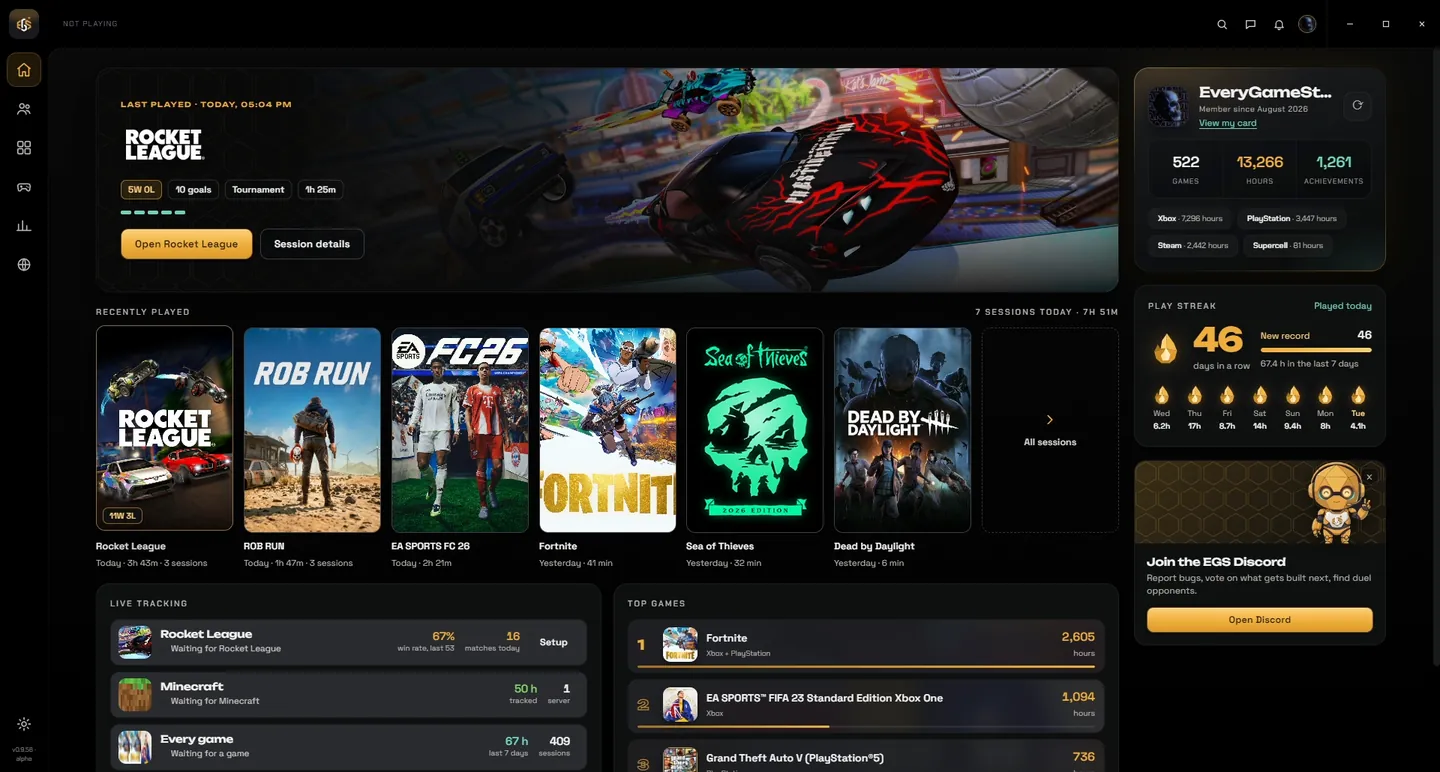
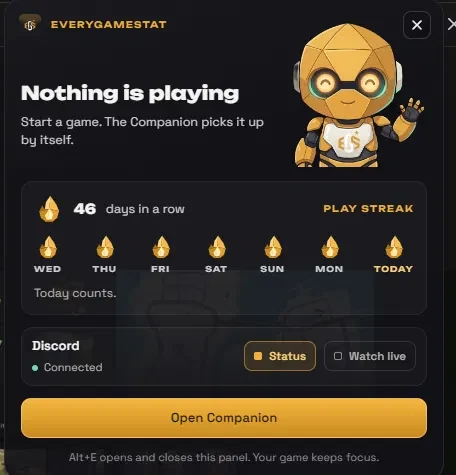
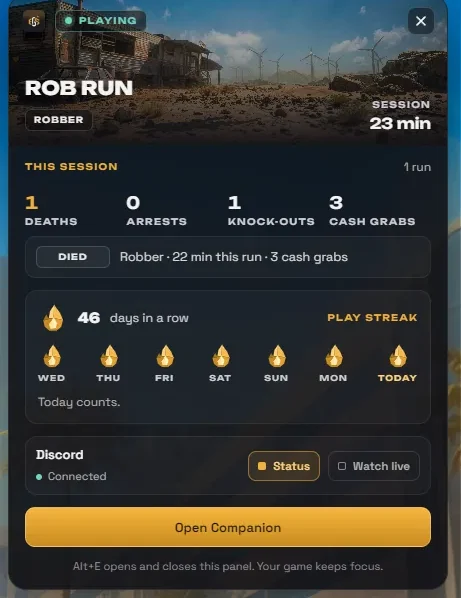
- Live on your phone: Open the menu under Now playing and choose Live on your phone. Scan the QR code and your phone follows what you play: the game, your session time and, in Rocket League, the score and your stats.
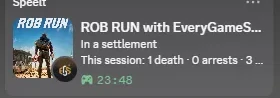
- Discord status stops when you stop: When nothing is playing, EveryGameStat no longer shows up in Discord with a timer that keeps running.
- Xbox console: If the Xbox network stops answering, your console session now closes instead of staying open.
- Lighter on your PC: Far fewer background requests, and chat pauses while the window is hidden.
v0.9.24: Rocket League: playlists and a better Discord status
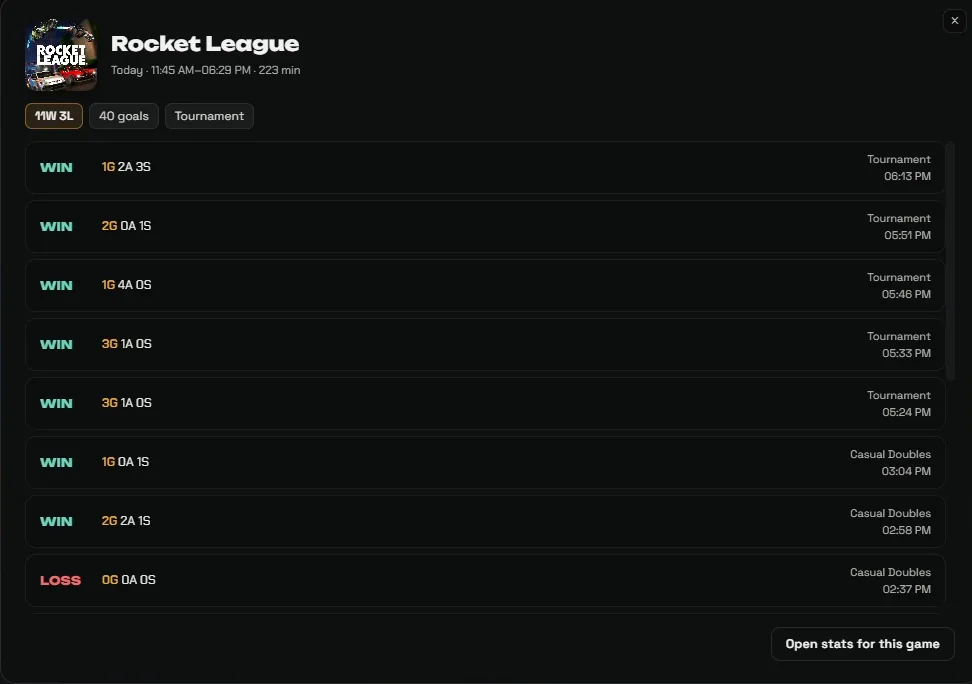
- Ranked, casual or tournament: Matches are saved with the real playlist, such as Ranked Doubles, read from the game's own log file.
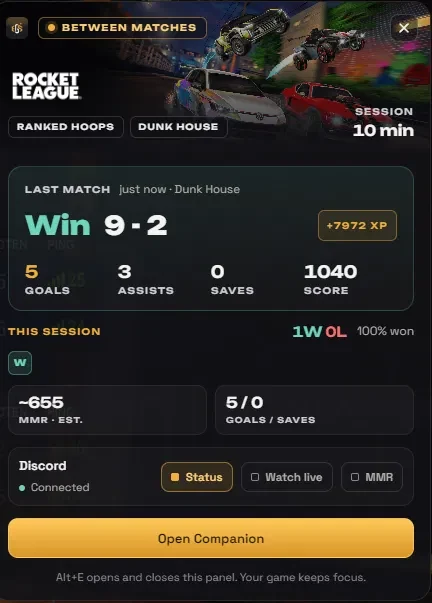
- Discord in a match: Playlist and score on top, your goals and saves and the map below, and a match clock that counts down.
- Watch live button: While you play, your Discord status gets a button to your live page. You can turn it off in Settings.
v0.9.25: MMR in Discord
- MMR estimate: Optional: show an estimate of your Rocket League MMR in Discord, as of the moment you queued. Off by default, only your own MMR.
v0.9.26: Session stats for Steam games
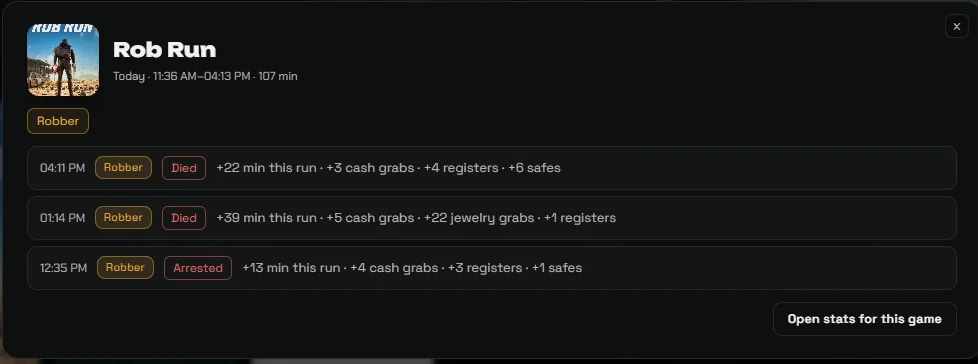
- What you did this session: For Steam games that publish stats, the session summary shows what went up while you played.
- Dead by Daylight: Escapes, generators, skill checks, sacrifices and bloodpoints, and whether you played killer or survivor.
- Rocket League: Map names in English, plus XP and the real match length per match.
v0.9.27: Fixes
- Session stats: Fixed: games recognised before Steam reported them (like Dead by Daylight) got no session stats.
- Open button: Open in the session summary now brings the app to the front and opens that game.
v0.9.31: New settings, release notes always at hand
- Settings: One section at a time with fixed navigation on the left: Tracking, Discord, Overlay, Games, App, What's new and Account.
- What's new: All release notes in the app. Click the version number at the bottom left, or Full changelog in the update window.
- Automatic: Every new release now publishes its own notes, here and on everygamestat.com/changelog.













 1