ROB RUN stream overlay for OBS: run timer, loot and got aways
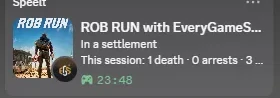
A stream overlay for ROB RUN in OBS: run timer, time as a robber, got aways, deaths, arrests and loot, read live from the game's own log by the EGS Companion. Free for now.
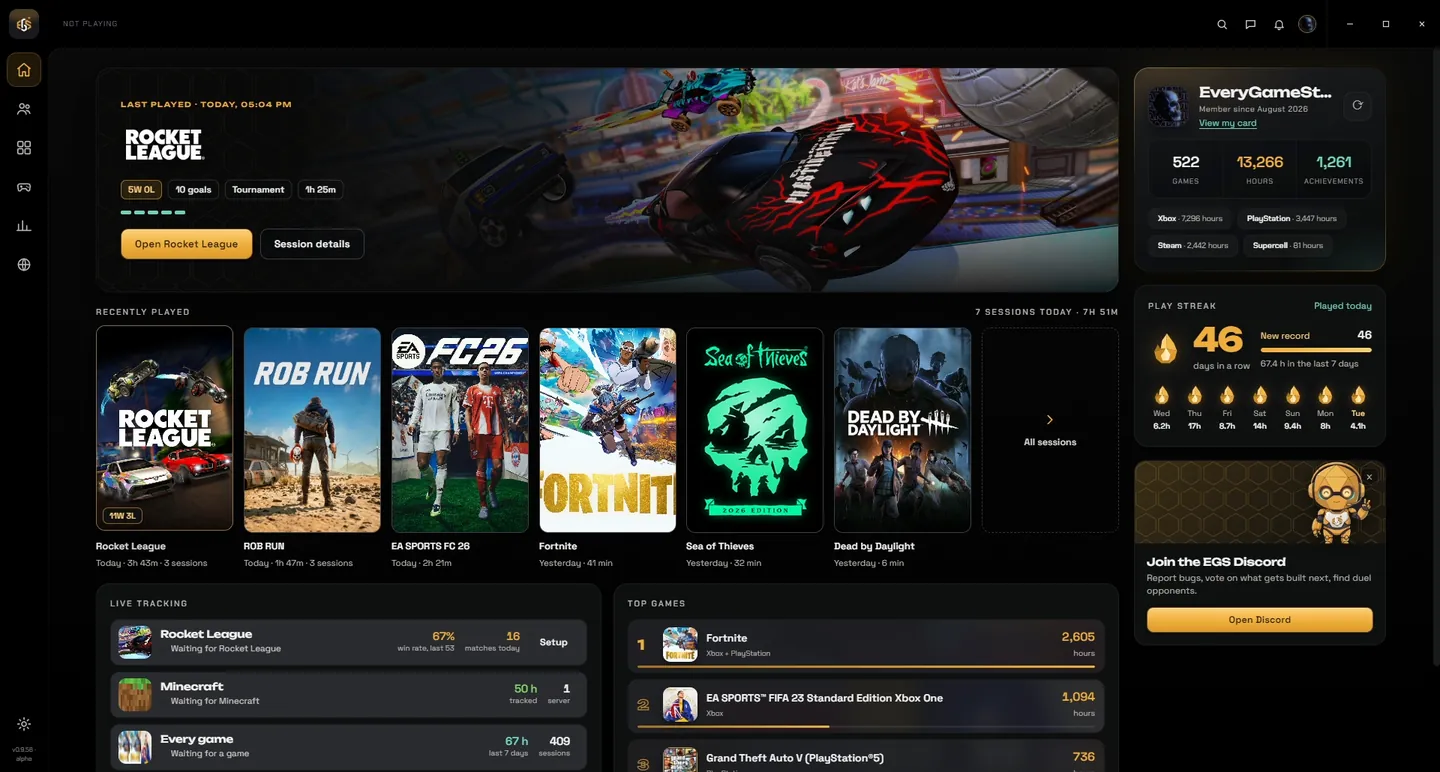
The overlays are part of the free EGS Companion for Windows. Install it, open Stream overlays and copy a link into OBS.
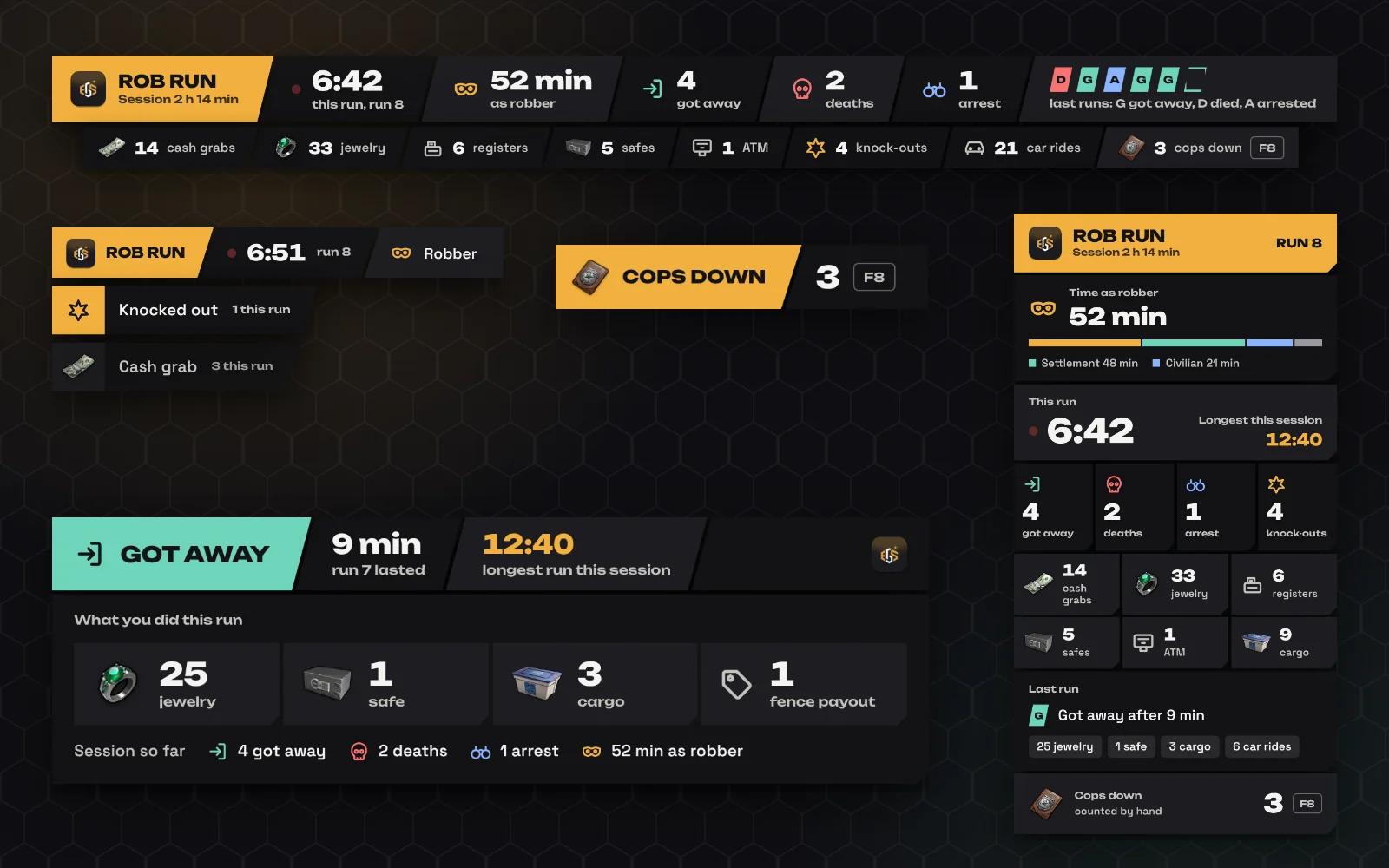
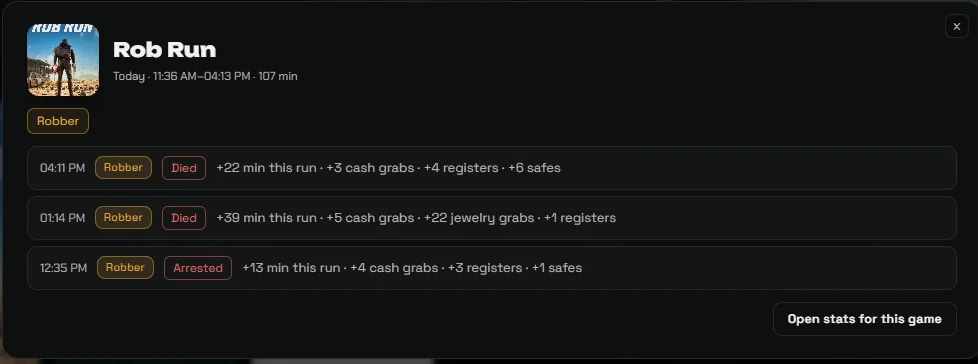
The images on this page show example numbers.
What the ROB RUN overlay shows
There are five widgets and you can use any of them on their own. The score bar sits along the top of your stream with the run timer, your time as a robber, how often you got away, died or were arrested, your last runs and a strip with everything you grabbed. The dossier is a tall panel for the side of the screen with the time per role, the current run, your longest run this session and the loot per kind. The heist feed slides in a line when you grab cash, open a safe, get knocked out or end a run. The run card appears after every run and says how it ended, how long it lasted and what you did. The counter is a label with a number that you raise yourself with a hotkey.
Where the numbers come from
ROB RUN writes a log file on your PC while you play. The EGS Companion, a small Windows app, reads that file and counts what the game itself writes down: your role, whether you are knocked out, dead or arrested, and what you interact with. It does not read or change game memory and it does not inject anything into the game. The Companion serves the overlay from your own PC, so the link you paste in OBS only works on that PC.
When a run starts and ends
A run starts when you become a robber in Looty Bay. It ends when you die, when you are arrested, or when you leave the city alive. That last one shows on the overlay as got away. Loot you pick up outside a run still counts for the session, but not for a run.
What it cannot show
The game log has no money amounts, no kills and no XP, so the overlay shows none of those. For kills there is the counter: F8 adds one and Shift+F8 takes one off. You can rename the label, pick another key, and the count starts at zero every game session. The key only listens while ROB RUN is running.
How to add it in OBS
- Download and install the EGS Companion for Windows and link it to a free EveryGameStat account with a one-time code.
- Open Stream overlays in the Companion and click Copy link on the widget you want.
- In OBS, add a source of the type Browser, paste the link as the URL and fill in the width and height shown on the card.
- Keep the Companion open while you stream.
Streamlabs and other apps with a browser source work the same way.
Sizes for the browser source
Score bar: 1400 by 160. Dossier: 380 by 800. Heist feed: 520 by 260. Counter: 480 by 80. Run card: 760 by 290. Each card in the Companion shows its own size next to the Copy link button.
Colours and options
You pick one accent colour for all widgets. You can also hide the overlay while ROB RUN is not running; when that option is off it shows that it is waiting for the game. If a timer or a number looks wrong, the Stream overlays page has a Report a problem button that sends what the overlay counted this session, so it can be traced.
Is it free?
Yes, for now. The overlays are part of the EGS Companion, which is free to download and use.
Sources
- EGS Companion 0.9.60, Stream overlays page
- ROB RUN Player.log, sessions of 11 and 12 November 2026
Related
- ROB RUN beginner guide: your first hours in Looty Bay
- Do you lose your items when you die in ROB RUN?
- ROB RUN police guide: joining, ranks, pay and arrests
- How to pull off heists in ROB RUN
Made by EveryGameStat. Not affiliated with Kefir.











 1