November 16-22, 2026
GTA 6 hub: missions, achievements and cheats · GTA 6 is out: the hub moved into Game hubs · A new Stats page, one row per game · New Stats pages, with a page for ROB RUN
Website
A new Stats page, one row per game
- Stats is now one list: The Stats page shows one row per game: the logo of the game, when you last played or when your stats last moved, your main number with this week's change, three more numbers and your last battles or a trend line. On top you see your totals and what moved this week. Click a row to open the full stats.
- Brawl Stars and Clash Royale as a scoreboard: Your Brawl Stars and Clash Royale stats now open as a scoreboard: your key numbers in one bar, your form over the last 25 battles, trophies per day, a table per mode, your last battles and your records. Clash Royale also shows the cards that turn up most in your losses, your card collection and your current deck. The header has its own look, with the logo of the game.
- Time in battle for Brawl Stars: Supercell does not publish playtime. EveryGameStat now estimates your time in battle from your wins, and says so: the number carries the word estimate and an i button that explains how we count. Time in menus is not included.
- The recap counts hours per game: Hours in your recap are now counted per game, starting at the first measurement of that game. Linking a new platform no longer shows up as hundreds of hours played in one week.
- Fortnite and Dead by Daylight in the same layout: Your Fortnite and Dead by Daylight stats now use the scoreboard layout too. Neither game shares a list of matches, so you see what moved per day instead: matches and wins for Fortnite, bloodpoints for Dead by Daylight, measured since you linked. Dead by Daylight shows survivor and killer as two tables.
GTA 6 is out: the hub moved into Game hubs
- GTA 6 hub in the wiki layout: The GTA 6 hub now opens in the same layout as the other game hubs, with a sidebar per section: news, trailers, characters, locations, gameplay, editions, music, screenshots and timeline. You find it under Game hubs.
- Release time in your own time zone: The countdown counted down to midnight in New York. Rockstar releases the game at midnight local time in every region, so the hub now uses your own time zone and shows where the game is already out.
GTA 6 hub: missions, achievements and cheats
- All 55 achievements and trophies: The GTA 6 hub lists every achievement and trophy with its icon, what it asks and its Gamerscore. The 28 that give away the story stay hidden until you press Show spoilers.
- All 61 cheats: Every cheat with how to unlock it and how to enter it. A code is shown only when two independent lists agree on it; 18 codes are in so far.
- All story missions: The 91 story missions in five chapters, in order, with the optional ones marked. Mission names stay hidden until you ask for them.
EGS Companion
v0.9.62: Updates install by themselves
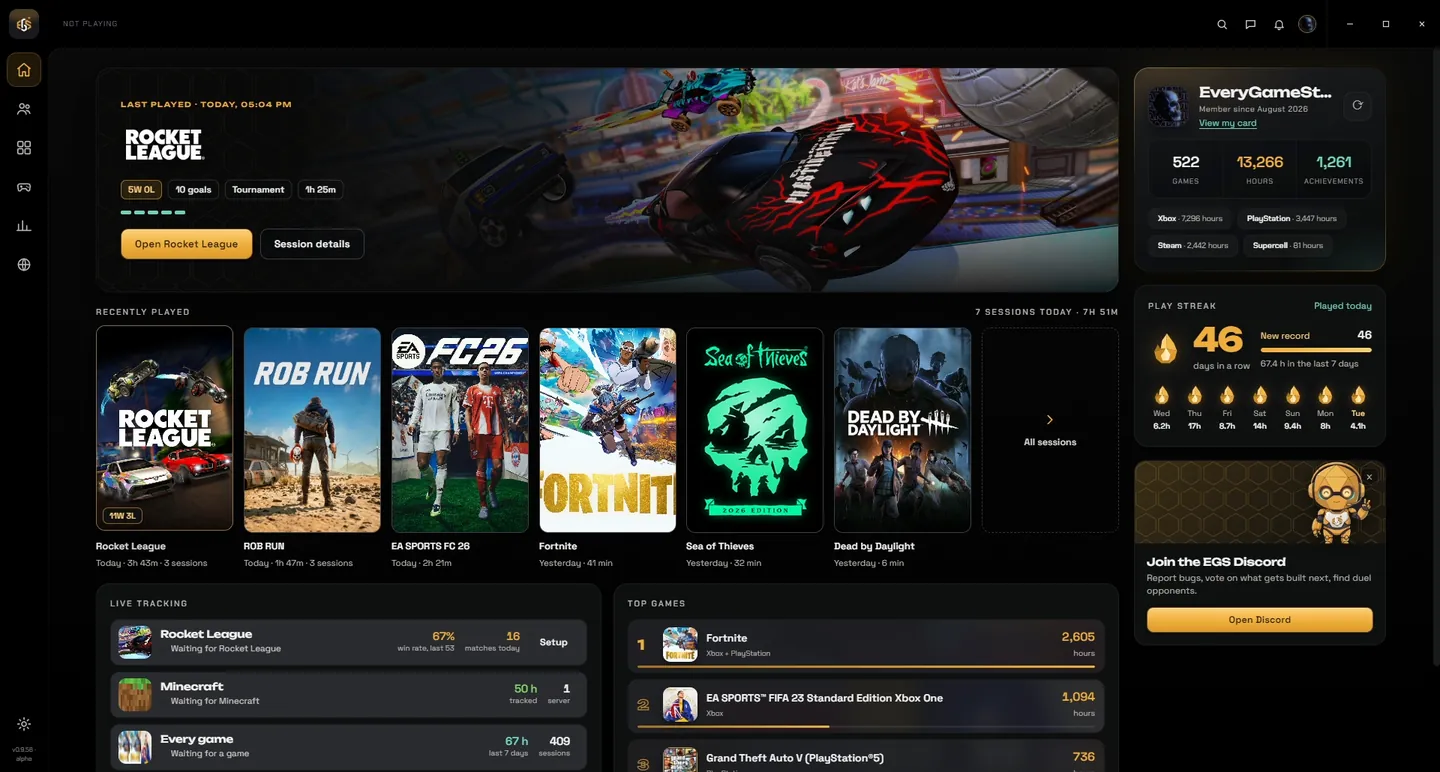
- An update screen at startup: When there is a new version, the Companion installs it before it opens. You see the progress and what is new. Without a connection the app just starts.
- An update button in the title bar: While the app is open, a new version downloads in the background. When it is ready an Update button appears at the top: one click restarts and updates.
- Up to date in the tray too: With the window closed and no game running for 15 minutes, the Companion restarts by itself to install an update and comes back in the tray.
- Stream overlays page: The previews no longer send a false error report when the window is resized.
v0.9.63: A calmer update screen
- Update screen: While an update installs, the screen shows only the spinning ring and no longer a percentage.
v0.9.64: ROB RUN overlays in TikTok LIVE Studio, and notifications
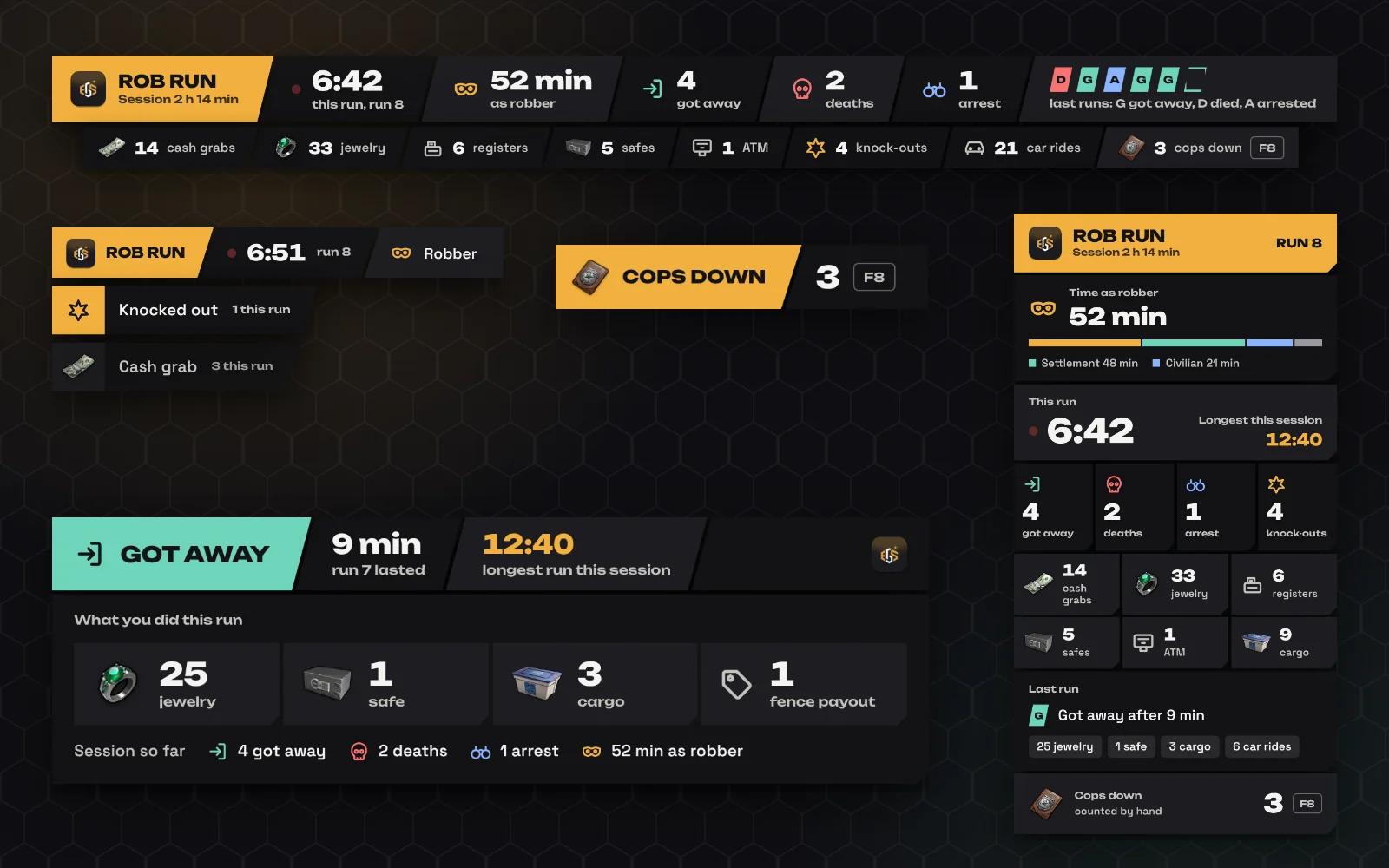
- Stream overlays work in TikTok LIVE Studio: On the Stream overlays page you choose OBS or TikTok LIVE Studio. For LIVE Studio you get a link it accepts, with the steps to add it as a Link source.
- Windows notifications: You get a notification for a new chat message, a friend request, a request that was accepted and news from EGS. Not while the Companion window is in front. There is a switch in Settings.
- The bell shows what the site shows: Messages from EGS, platforms that stopped syncing, friend requests and unread chats are now in the bell, the same as on everygamestat.com.
- Playing now counts private cards: Community shows how many players with a private card are playing each game. Only the number: no name and no card.
v0.9.67: New Stats pages, with a page for ROB RUN
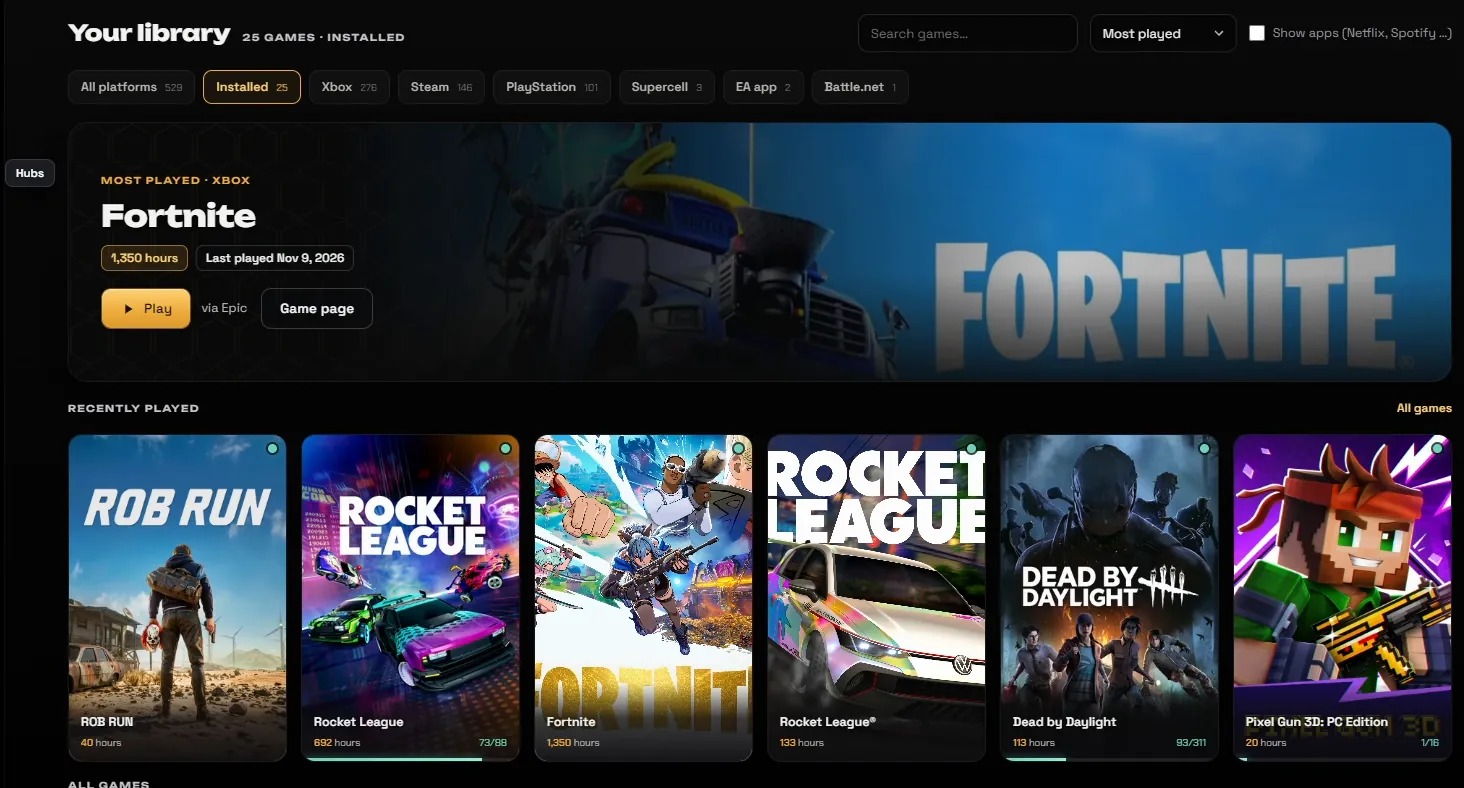
- Stats overview: One row per game the Companion measures itself, with the main number, your last 10 results and the game's own art. Every linked game and platform sits in one table below it.
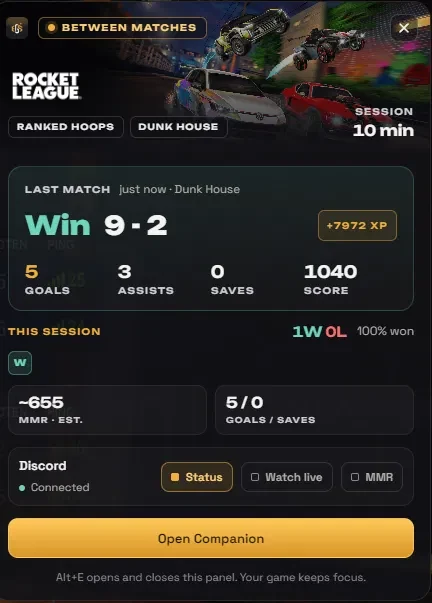
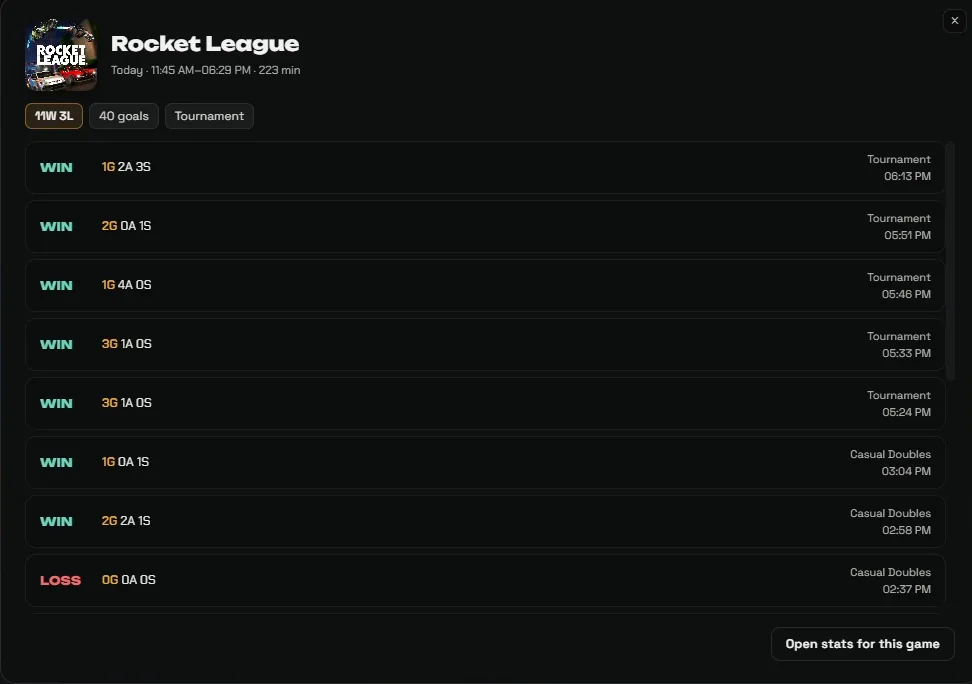
- Rocket League: The page now counts all your matches instead of the last 50: win rate, form of the last 20 matches, win rate per week, every playlist, your last matches and your records.
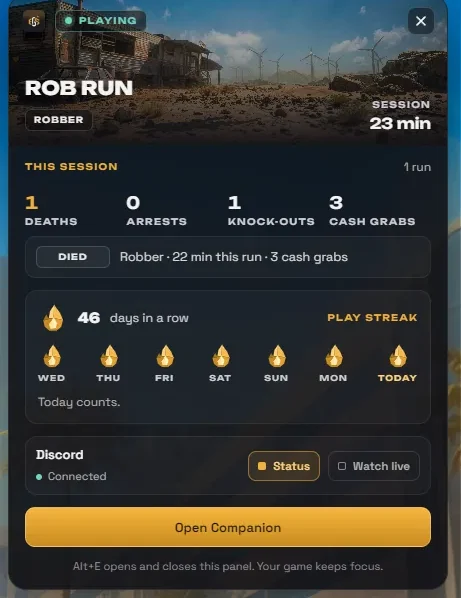
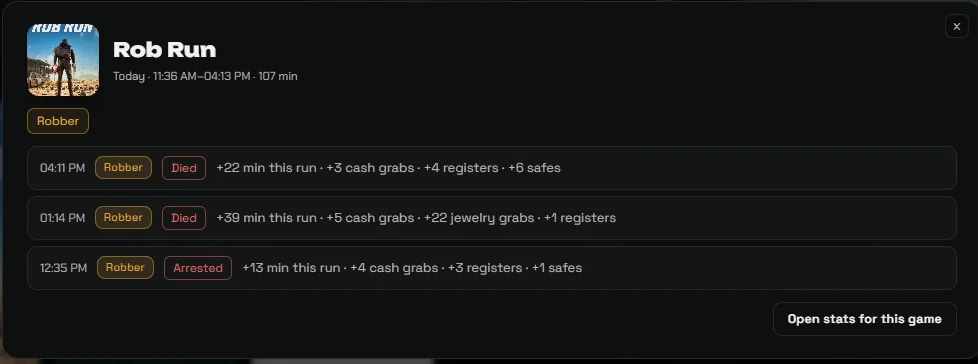
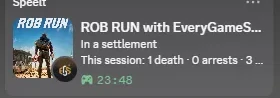
- ROB RUN stats: A page of its own: how often you got away, your longest run, loot per kind, your last runs and a board of the longest runs among players with a public card.
- Wide screens: Home, Library, Game hubs, Community and Stats now use the width of a large screen instead of a narrow column in the middle.










 1